
git使用
解决 git:OpenSSL SSL_read: SSL_ERROR_SYSCALL, errno 0问题 git pull报错:fatal: unable to access ‘https://github.com/aircrushin/ultrav-music.git/’: Failed to connect to github.com port 443 after 21077 ms: Couldn’t connect to server
解决方案
第一步:
提示
//取消http代理
git config --global --unset http.proxy
//取消https代理
git config --global --unset https.proxy
第二步: 查看自己的代理端口。 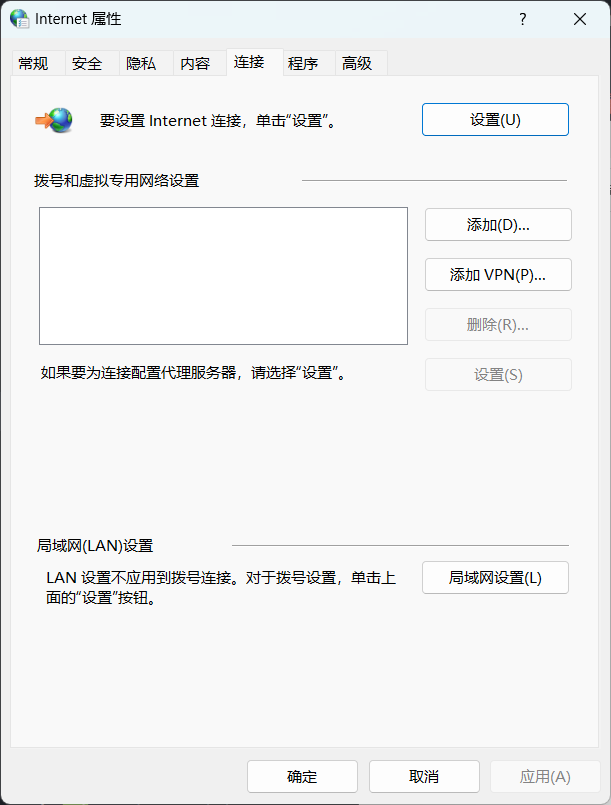
- win + R 输入 control 打开控制面板
- 打开控制面板,找到 Internet 选项
- 点击 Internet 选项,找到 局域网设置
- 找到 局域网设置,点击 代理服务器
第三步: 改成自己的端口号
git config --global http.proxy http://127.0.0.1:10809